Dispute Workflow
Deal Discussion threads are the right tool when reps need to ask questions or dispute a deal's commission and you want the resolution captured on the deal.
Before marking a dispute resolved, decide whether the fix is a data correction (override/import), a plan change, a split update, or an adjustment. Verify by checking the deal's Calculation view after the change and closing the thread with a short summary.
When to use this
- Reps need a place to ask questions or dispute a deal’s commission.
- Managers need an auditable discussion trail tied to a deal.
- You want disputes to be resolved with clear before/after evidence.
Core8 provides a Deal Discussion thread per deal:
- keeps context (deal name, customer, amount, plan context)
- supports replies and resolution states
- tracks unread and unresolved counts
How to open a dispute
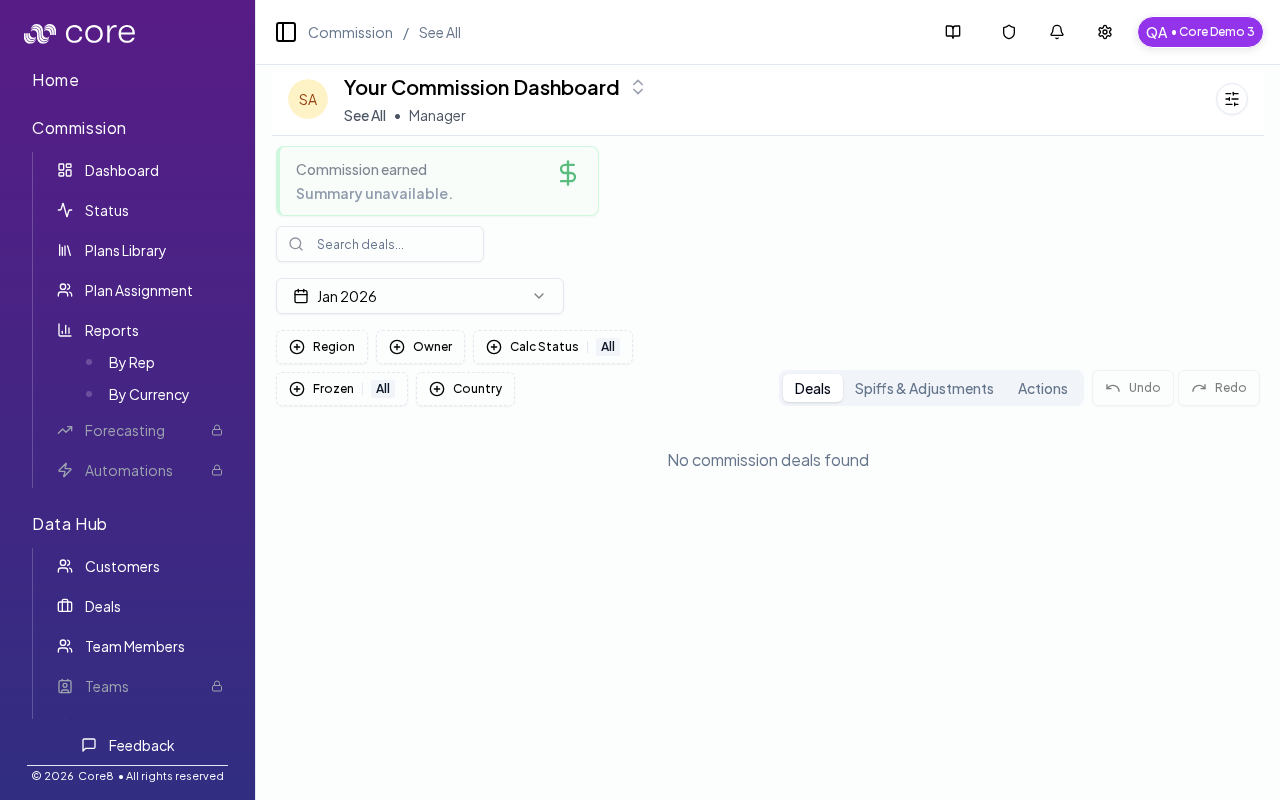
- Go to Commission → Dashboard.
- On the deal row, click the discussion (chat) icon.
- Post the dispute question (include what you expected and why).
Resolve a dispute
Once the underlying issue is fixed (plan change, variable correction, split update, etc.):
- mark the message(s) as resolved (so the thread stops showing as unresolved)
- optionally add a final note summarizing what changed
Tips for clean resolution
- Link the dispute to a concrete change (variable edit, plan assignment, split, or manual adjustment).
- If the dispute results in a payout correction, record it via the normal paid/unpaid workflow.
How to verify
- Make the underlying change (override/import, plan edit + approval, split update, or adjustment).
- Re-open the deal and confirm the Calculation view reflects the expected result.
- Add a final message that summarizes what changed and why.
- Mark the thread as resolved so it no longer shows up as unresolved.
Common gotchas
- Decide (and document) which date anchors the behavior: booking date vs invoice date vs payment date.
- If the pattern depends on fields from an integration, confirm those fields actually exist in Data Hub and aren’t overridden.
- Test with a tiny set of deals first, then expand—patterns often “work” but break on edge cases like refunds, partial payments, or split deals.