Bonuses & SPIFFs
Bonuses and SPIFFs fit when you need one-time payouts in addition to base commission.
First decide whether the payout is a repeatable rule (encode it in the plan) or a one-off exception (use an adjustment). Validate on one known deal (or one known rep-period) by confirming the bonus shows up in calculation outputs or in Spiffs & Adjustments, then reconcile in a report.
Common bonus / SPIFF triggers include:
- logo count in a period
- revenue thresholds
- specific product motions
- renewals or expansions
When to use this
- You pay one-time bonuses or SPIFFs in addition to base commission.
- You need clear auditability of bonus eligibility and amounts.
- You want bonuses to show up in the same close workflow as commission.
Core8 supports both plan-driven bonuses (calculated by the plan) and operational SPIFF/adjustment workflows (when you need a manual or exception-based payout).
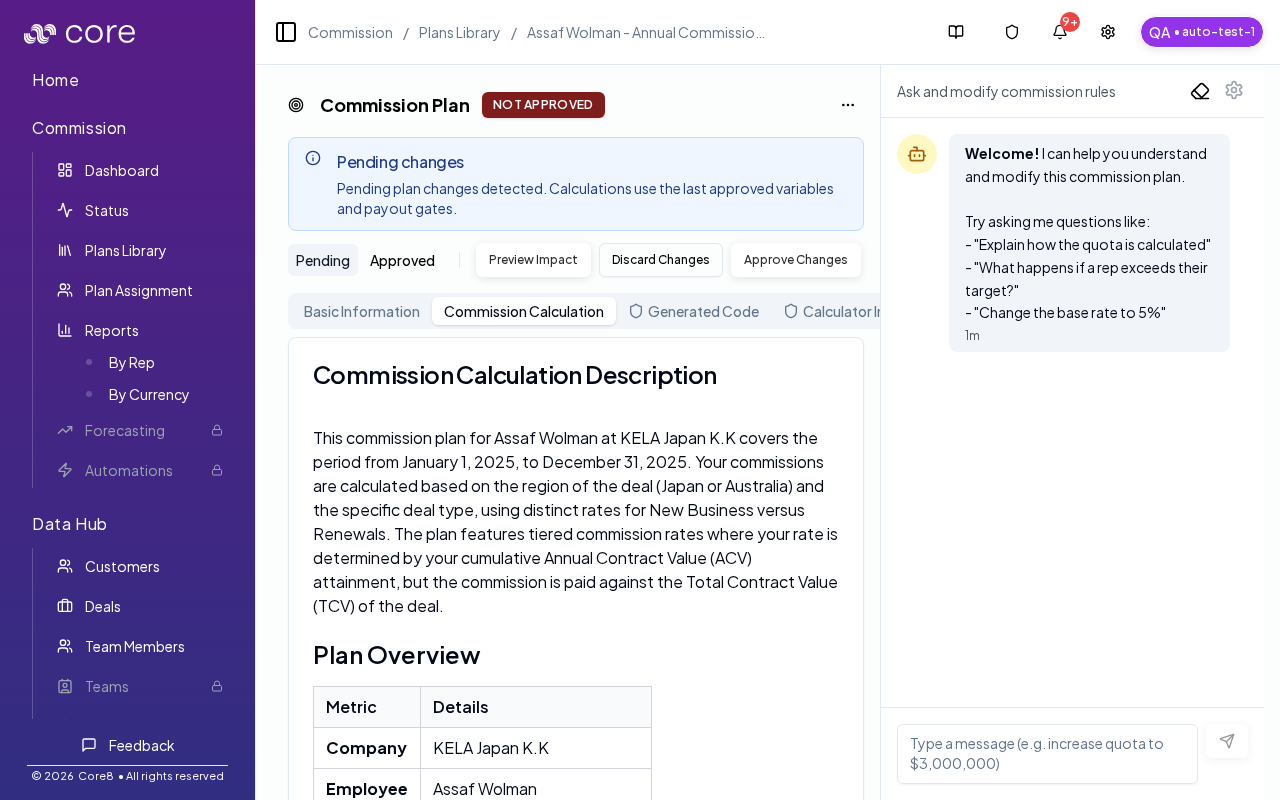
Approach A: Plan-driven bonuses (recommended for repeatable rules)
Use plan logic when the bonus rule is consistent and should be automatically calculated (for example: “pay $3,000 when a rep reaches 3 new logos in a quarter”).
Good fits:
- thresholds (revenue, count, attainment)
- accelerators gated by period attainment
- repeatable SPIFF rules that should apply to everyone uniformly
Approach B: Adjustments (best for exceptions)
Use adjustments when you need to award a one-off bonus or apply a correction. Adjustments are manual entries you can create and track with an audit trail.
Good fits:
- discretionary bonuses
- manual exceptions
- corrections after a dispute resolution
Where to manage spiffs and adjustments
- Open Commission → Dashboard.
- Select a specific person and a specific period.
- Open Spiffs & Adjustments.
Notes:
- Spiffs are calculated from plan rules (you can’t create a brand-new spiff row like an adjustment).
- Add Adjustment is not available in “Show all periods” mode, because adjustments must target a specific period.
Common gotchas
- Decide (and document) which date anchors the behavior: booking date vs invoice date vs payment date.
- If the pattern depends on fields from an integration, confirm those fields actually exist in Data Hub and aren’t overridden.
- Test with a tiny set of deals first, then expand—patterns often “work” but break on edge cases like refunds, partial payments, or split deals.
How to verify
- Confirm whether the bonus is:
- calculated by the plan (shows in calculation outputs), or
- applied operationally (tracked as an adjustment)
- Reconcile totals using manager reports and the relevant deal detail views.