Pay-on-Payment
Choose pay-on-payment when a plan says commission is earned only as cash is received ("amounts received" / "funds received").
Before configuring, decide what field/date represents payment received for each tranche and whether you will split deals into installments. Validate on one known deal by setting a paymentReceivedDate on a child deal and confirming it lands in the correct period and becomes eligible.
In Core8, this is typically modeled by splitting a deal into payment tranches and anchoring eligibility on the payment received date.
When to use this
Use payment-anchored commission when:
- the contract says commission is paid based on “amounts received” / “funds received”
- invoices or payments arrive across multiple quarters
- you need commission to align to cash flow timing
Recommended setup in Core8
- Confirm the plan’s timing uses a payment received anchor (your plan configuration determines which date is required).
- Split the deal into one child per expected payment (common options):
- Custom split (one child per installment)
- or split by known milestones that match payment events
- As each payment arrives, update the child deal’s
paymentReceivedDate.
What to expect
- If the plan is payment-anchored and
paymentReceivedDateis missing, Core8 will not treat the deal as eligible for that period (often shown as a waiting state until the date is present). - Each payment tranche accrues into the period that contains its payment received date.
How to verify
- Pick one known deal and split it into at least one payment tranche (child deal).
- Set
paymentReceivedDateon the child deal to a date in a specific period. - Recalculate and confirm the child deal shows up in that period and becomes eligible when required fields exist.
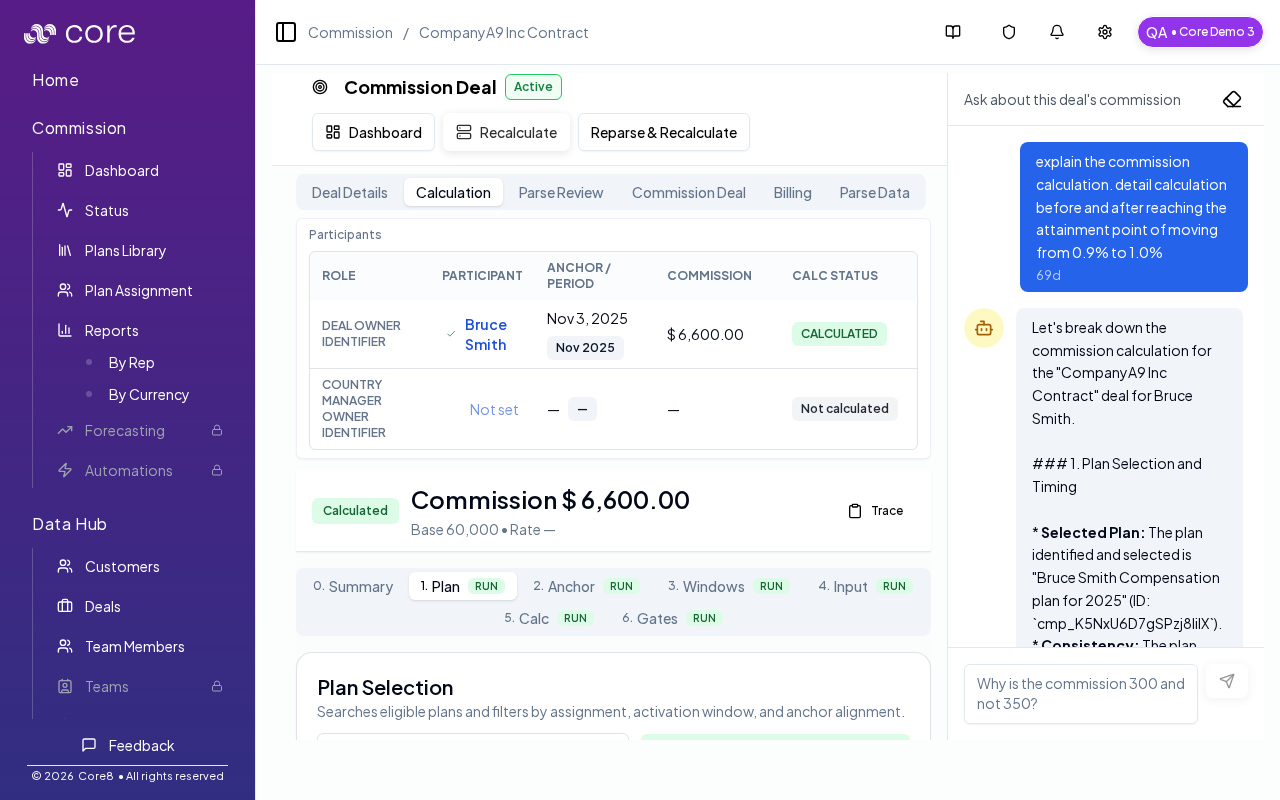
- Open the deal's Calculation view and confirm plan selection and amounts match expectations.
Common pitfalls
- If the payment’s currency differs from the plan’s quota/working currency, Core8 may require FX data for the payment date. Missing FX can show up as “Missing FX” and can block some rollups/totals until resolved.
Common gotchas
- Decide (and document) which date anchors the behavior: booking date vs invoice date vs payment date.
- If the pattern depends on fields from an integration, confirm those fields actually exist in Data Hub and aren’t overridden.
- Test with a tiny set of deals first, then expand—patterns often “work” but break on edge cases like refunds, partial payments, or split deals.